Build a realistic day plan that still works when the day changes.
HWH turns scattered commitments into a sequenced day plan you can execute, then keeps it flexible when meetings move, tickets flare up, or the available hours change.
Native macOS app · Summer 2026 on the Mac App Store · Free to download, every feature earnable through use.
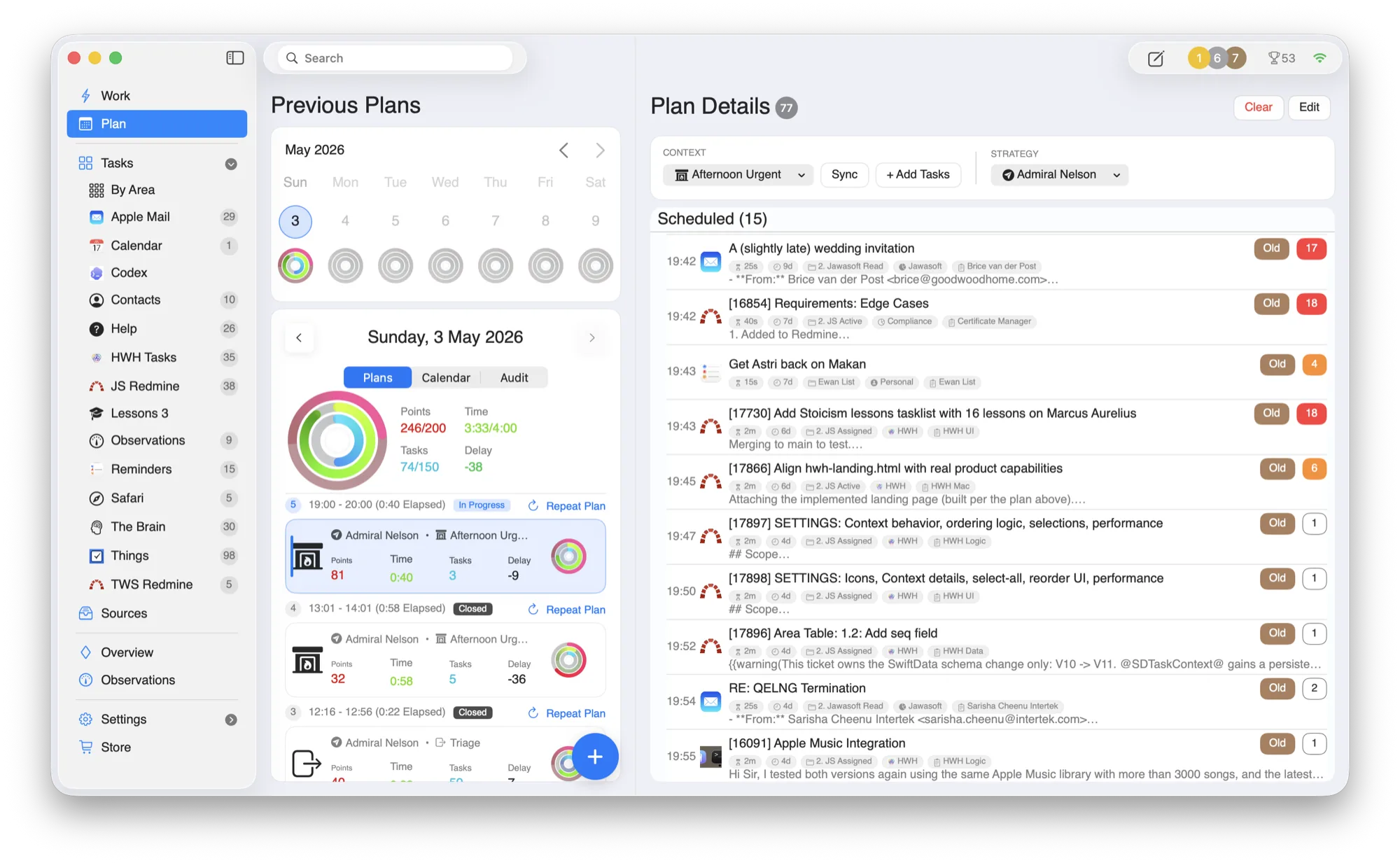
Monday morning, after the plan changes.
Planning is where HWH earns trust: it absorbs the interruption, keeps source systems intact, and turns the day back into a sequence you can actually start.
Collect
the changed calendar, task, and ticket signals.
Sort
work by life area and current urgency.
Budget
the day against the hours still available.
Resume
with one current task instead of rebuilding the whole plan.
From scattered inputs to a day you can trust.
HWH is a coordination layer, not a replacement. You keep the specialist tools; HWH handles the daily stitching and prioritization.
Collect
Pull commitments from Apple Mail, Calendar, Reminders, Apple Contacts, Things 3, OmniFocus, Todoist, Asana, Jira, Redmine, Safari Reading List, and TheBrain into one operational inbox.
Plan
Turn raw inputs into a realistic day with clear sequencing and time-aware adjustments as things shift.
Replan
Delay, swap, or repeat tasks in one move when context changes.
Execute
Work on exactly one task at a time, with direct links back to source context whenever you need it.
Your whole day, sequenced.
Previous plans, today’s order, and full task detail live in one place, with activity rings tracking effort across your life areas.
- —Source context. Open the original email, ticket, task, or note when details are needed.
- —Life areas. See how work fits across Health, Wealth, Happiness, and your own areas.
- —Interruptions handled. Rebuild the day without rebuilding your entire planning system.
Built around the tools you already trust.
HWH works best when it lowers coordination overhead without forcing another migration. Connect what you use today.
Be among the first to run HWH.
Join the waitlist for early access and the founder price before launch day. No spam, one note when it's ready.
Waitlist members get early access and the founder price locked in before launch. Read the privacy policy.